Best Free Online PDF Tools in 2026
No signup, no install — the PDF tools worth bookmarking.
Looking for free PDF tools that do not nag you to sign up? Good news. You can do almost any PDF job in your browser, for free, today.
Here are the best free online PDF tools in 2026, what each one does, and who it is for.
What makes a tool good
The best tools are free, fast, and private. They should work in any browser, with no install and no account for basic tasks.
Bonus points if your files stay on your device instead of being uploaded to a server.
Top 10 free tools
| Tool | What it does | Best for |
|---|---|---|
| Smart Scan | Scan docs with your camera | Students, office |
| Image to PDF | JPG/PNG to PDF | Everyone |
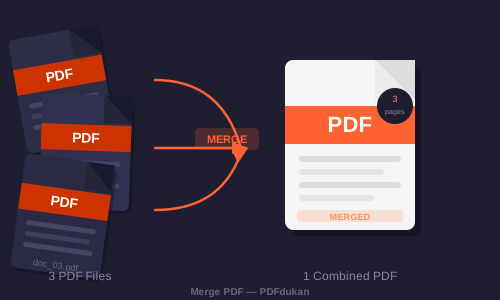
| Merge PDF | Combine PDFs | Office users |
| Split PDF | Extract pages | Sharing pages |
| Compress PDF | Shrink file size | Email senders |
| OCR Text | Image to text | Researchers |
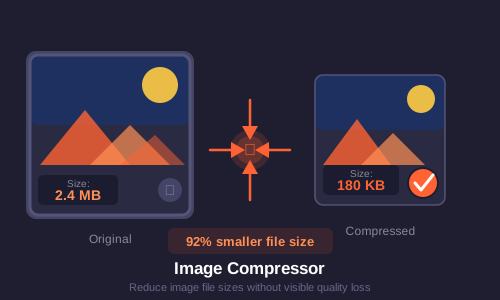
| Compress Image | Shrink images | Bloggers |
| PDF to Word | PDF to editable DOCX | Writers |
| Word to PDF | DOCX to PDF | Everyone |
| PDF Editor | Annotate and sign PDFs | Reviewers |
Privacy matters
Many sites upload your files to their servers. PDFdukan runs its standard PDF tools right in your browser, so your documents stay with you. That is a big deal for private paperwork.
Where to start
Browse the full tools page, or jump straight to popular ones: the scanner, OCR, Merge PDF, Compress Image, and Image to PDF.
For more on the format, see PDF on Wikipedia, the Chrome browser, and MDN Web Docs.
Frequently Asked Questions
Ready to Try It?
Browse All Tools → — free, no signup needed.