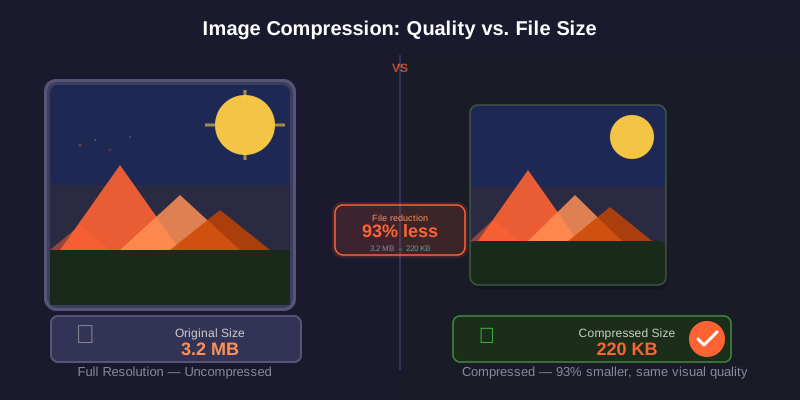
You go to email a PDF and get the dreaded "file too large" message. It happens constantly with scanned documents, photo-heavy reports, and exported presentations. The good news: most PDFs can be shrunk dramatically in seconds.
Why PDFs get so big
A PDF's size is almost always driven by images, not text. A 40-page text contract might be under 1 MB, while a single full-colour scanned page can be several megabytes. Scanners often save at 600 DPI when 150–200 DPI is plenty for on-screen reading, so there is usually a lot of room to trim.
How to compress a PDF for free
Open the Compress PDF tool, then:
- Drag your PDF in or click to browse.
- Pick a compression level (lighter = better quality, stronger = smaller file).
- Download the smaller PDF.
Core compression runs in your browser rather than sending the selected PDF to PDFdukan for processing. The page can still request normal site assets, analytics and third-party libraries.
Choosing the right compression level
| Use case | Recommended level |
|---|---|
| Email / WhatsApp sharing | Medium — big size drop, still clear on screen |
| Online form upload (KB limit) | Strong — meet the cap |
| Printing / official archive | Light or none — preserve detail |
| Reading on phone only | Strong — smallest, screen-friendly |
Common size limits to remember
Gmail and most email providers cap attachments at 25 MB. Many government and university portals are far stricter — often 1–5 MB, sometimes a few hundred KB. Compress to comfortably under the limit, because some systems count the encoded size, which can be slightly larger.
Other ways to slim a PDF
If only a few pages are needed, remove the rest with Split PDF or Delete Pages before compressing. And if you are building a PDF from photos, compress the images first, then run Image to PDF — you will get a small file from the start. For background on how image compression works, see image compression on Wikipedia.
Frequently Asked Questions
Need a smaller PDF now?
Open the Compress PDF tool → — free, private, in your browser.