How to Convert JPG to PDF Free
Arrange JPG, PNG or WebP images into one PDF with paper, margin and quality controls.
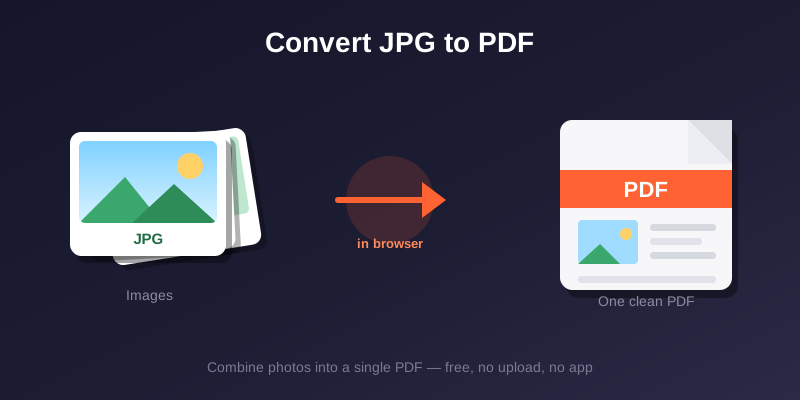
Got a photo or screenshot you need to send as a PDF? You do not need any app. A free browser tool turns JPG images into clean PDF files in seconds.
A PDF can bundle several images in a fixed page order, but acceptance, page size and file-size rules depend on the recipient. This guide explains the current options and limitations.
Why convert JPG to PDF
Job forms, school work, and official uploads usually ask for PDF. A PDF keeps your layout fixed and bundles many images into one tidy file.
It also looks more professional. Sending a single PDF beats attaching ten loose photos that may open in a random order.
How to convert for free
Open the Image to PDF tool. Add JPEG, PNG or WebP files, set their order, choose page size, orientation, margin and quality, generate the PDF, then inspect it before download.
JPG vs PDF: which to use
Each format has its place. Use this table as a quick guide.
| Situation | Use JPG | Use PDF |
|---|---|---|
| Sharing a photo | Yes | No |
| Job application | No | Yes |
| University assignment | No | Yes |
| Official form upload | No | Yes |
| WhatsApp sharing | Yes | Sometimes |
Tips for the best result
Start with a clear image. If the file is large, compress the image first so the final PDF stays small and easy to email.
Need text from the image too? Run it through OCR before converting. OCR output should still be proofread against the source.
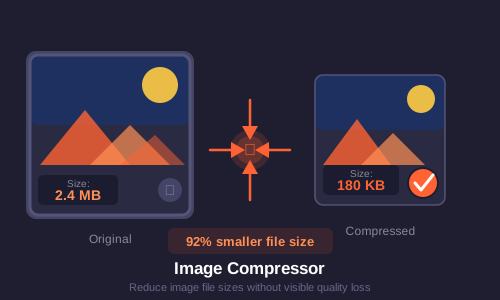
More handy tools
Once your PDF is ready, you can merge it with other PDFs or scan more pages with the document scanner. Everything runs free in your browser.
Frequently Asked Questions
Ready to Try It?
Convert JPG to PDF → — no account required; inspect the result before use.