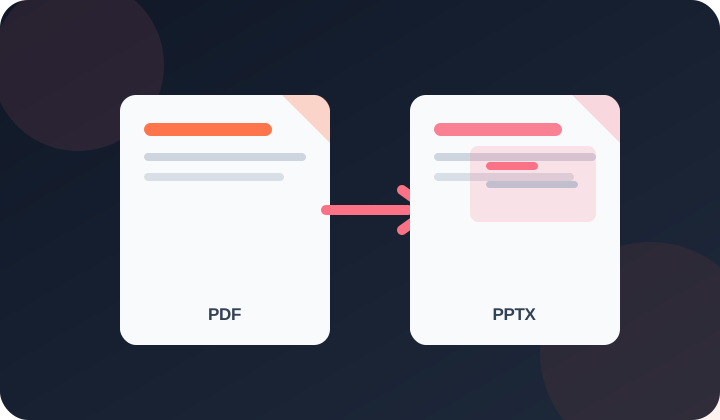
Quick answer: Each PDF page is rendered as one full-slide image in a PPTX file. The slide can be presented or annotated, but its original text, charts and objects are not separately editable.
What is the PDF to PowerPoint Converter?
This tool converts a PDF file into a PowerPoint presentation (.pptx). Each page of the PDF becomes a slide in the output presentation.
Who needs this tool?
Presenters who received a PDF report and need to turn it into slides, and professionals re-purposing existing PDF content for presentations.
What problem does it solve?
This tool makes a PDF presentation-ready by placing each page on its own slide. The original page is an image, so its text and objects are not directly editable.
How to Use
Upload your file.
Choose your options.
Click the action button.
Download the result.
Frequently Asked Questions
This tool converts a PDF file into a PowerPoint presentation (.pptx). Each page of the PDF becomes a slide in the output presentation.
Presenters who received a PDF report and need to turn it into slides, and professionals re-purposing existing PDF content for presentations.
This tool makes a PDF presentation-ready by placing each page on its own slide. The original page is an image, so its text and objects are not directly editable.
Each PDF page is embedded as an image slide. Text is part of the image and not directly editable. For editable text, use the PDF to Word tool first, then copy content into slides manually.
The practical limit depends on device memory. Large PDFs can create very large presentations and may be slow or fail on mobile devices.
Slides are set to standard 16:9 widescreen (1920×1080 equivalent). PDF pages are scaled to fit.
This tool is currently free to use without a subscription, credit card or account.
No account is needed to use this browser-based tool.
Core file processing runs in your browser rather than being sent to PDFdukan for conversion. The page can still request normal site assets, analytics and third-party libraries.
The interface is designed for current mobile and desktop browsers. Large or complex files may exceed a device’s memory or browser limits, so verify the output on your device.