Rotate, Reorder & Delete PDF Pages
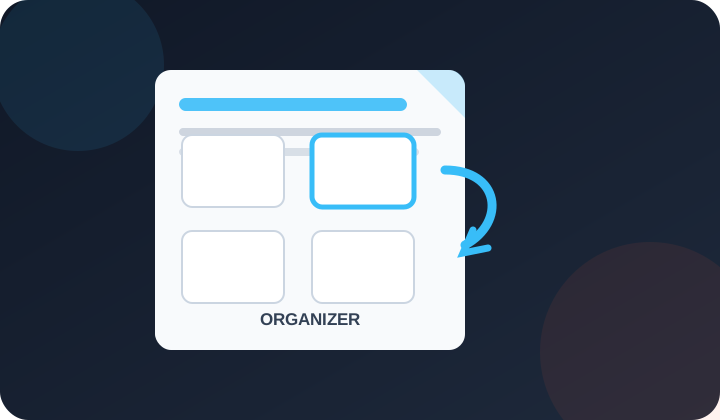
Reorder, rotate, and delete PDF pages visually. Drag thumbnails to rearrange — then download your organized PDF.
Upload PDF
Drop your PDF here or click to browse
Page thumbnails will load below — drag to reorder, rotate or delete any page
Choose PDF
Quick answer: One visual PDF Organizer handles all three tasks: drag thumbnails to reorder pages, rotate one or all pages in 90-degree steps, and remove unwanted pages before downloading a rebuilt PDF.
What is the PDF Organizer?
The PDF Organizer lets you rearrange, rotate, and remove pages from any PDF file — all visually, in your browser. No upload to any server, no account needed.
Key Features
- Drag to reorder: Grab any page thumbnail and drop it in the position you want.
- Rotate pages: Rotate individual pages 90° clockwise or counter-clockwise. Or rotate all pages at once.
- Delete pages: Remove unwanted pages with one click. Restore them if you change your mind.
- Reverse order: Flip the entire page sequence with one button — useful for back-to-front scans.
Frequently Asked Questions
Yes. Upload your PDF to the organizer, drag thumbnails into any order, then click Apply & Download. The reorganized PDF downloads instantly — free with no watermark.
Hover over the page thumbnail and click the ↻ (clockwise) or ↺ (counter-clockwise) button. Each click rotates that page by 90°. Only that page is affected.
Yes. Hover any page thumbnail and click ✕ to mark it for deletion. The page fades out. Click Apply & Download and the deleted pages will be excluded from the output PDF.
The organizer's PDF.js preview and PDF-lib page operations run in the browser. Keep the original file and verify forms, annotations, signatures, links and unusual PDFs after rebuilding because complex interactive content can behave differently.
No hard limit. The organizer handles PDFs up to 200+ pages on any modern device. Very large files may take a few extra seconds to render thumbnails.
Yes. The organizer is fully touch-compatible. On mobile, press and hold a page thumbnail to drag it. The rotate and delete buttons appear on tap.