Quick answer: Add custom text or image watermarks to every page of a PDF. Set opacity, rotation, font size, and position. Free, no upload, 100% client-side.
What is the PDF Watermark Tool?
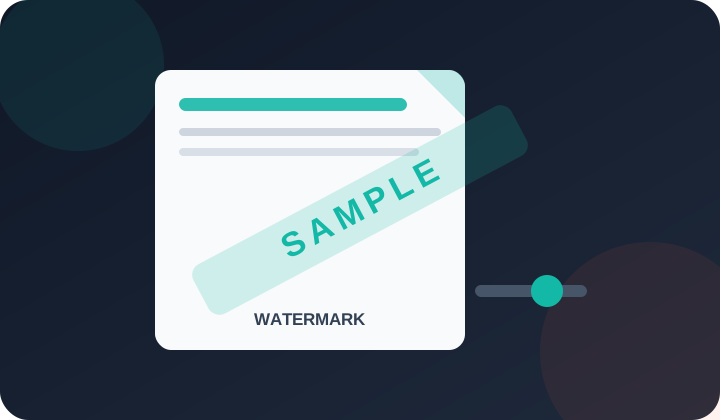
This tool adds a custom text watermark to every page of a PDF. You can control the text, colour, size, opacity, and position. No upload required.
Who needs this tool?
Businesses protecting confidential documents, photographers watermarking portfolios, educators stamping draft assignments, and anyone marking PDFs as "Confidential" or "Draft".
What problem does it solve?
Shared PDFs can be misused or distributed without permission. Adding a watermark signals ownership and discourages unauthorised redistribution.
How to Use
Upload your file.
Choose your options.
Click the action button.
Download the result.
Frequently Asked Questions
This tool adds a custom text watermark to every page of a PDF. You can control the text, colour, size, opacity, and position. No upload required.
Businesses protecting confidential documents, photographers watermarking portfolios, educators stamping draft assignments, and anyone marking PDFs as "Confidential" or "Draft".
Shared PDFs can be misused or distributed without permission. Adding a watermark signals ownership and discourages unauthorised redistribution.
Yes. You can set any text (e.g. "CONFIDENTIAL", your company name, or a date), choose the colour, adjust opacity from 10–100%, set font size, and position it diagonally, horizontally, or in a corner.
Yes. The watermark is applied to every page in the PDF automatically.
A basic text watermark can be removed by someone with PDF editing software. For stronger protection, combine the watermark with PDF password locking.
This tool is currently free to use without a subscription, credit card or account.
No account is needed to use this browser-based tool.
Core file processing runs in your browser rather than being sent to PDFdukan for conversion. The page can still request normal site assets, analytics and third-party libraries.
The interface is designed for current mobile and desktop browsers. Large or complex files may exceed a device’s memory or browser limits, so verify the output on your device.