PDF Restriction Compatibility Check – Free, No Upload
See if a PDF needs a password, what it blocks, how it's encrypted, and whether it's signed or PDF/A, all in seconds.
Free · No sign-up · Read-only · Your PDF stays in your browser
What Does a PDF Restriction Compatibility Check Show?
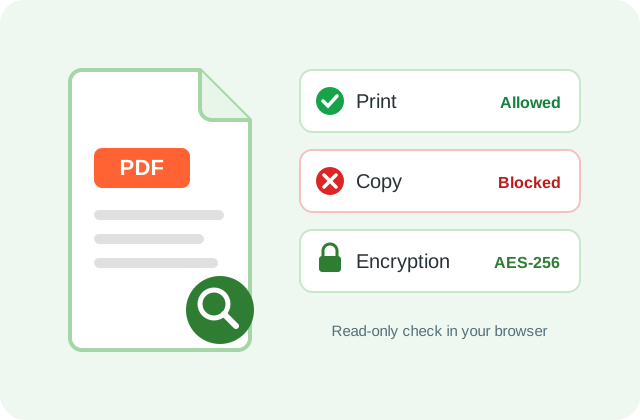
A PDF restriction compatibility check reads a PDF's security settings and shows whether it needs a password to open, which of eight actions are blocked (print, copy, edit, page changes, comments, forms, signing, screen readers) and how it is encrypted.
It also lists digital signatures, form fields, PDF/A problems and basic accessibility gaps, so you know whether a portal or reader will accept the file.
How Do I Run a PDF Restriction Compatibility Check?
- Add the PDF. Tap Choose PDF or drop the file; the check starts at once.
- Read the result. The colored box says if it opens freely and how many actions are blocked.
- Test a password. If one is needed, type it in Check password to confirm it works.
- Keep a record. Use Copy report or Download report to share the findings.
What Do the Results Mean?
Open password
Nobody can view the pages without it. Permission flags are still shown.
Permissions password
The file opens, but Acrobat and most readers block the actions marked Blocked.
Signatures
Shows signer, date, and whether the file changed after signing.
Weak encryption
RC4 is flagged as weak; AES-256 is the current standard.
Is My PDF Uploaded?
No. The check runs in your browser tab with pdf.js and pdf-lib. Passwords you test never leave the page.
What Doesn't This Checker Do?
It doesn't remove passwords or restrictions, and it doesn't verify a signer's certificate. The PDF/A check catches common failures only. To remove restrictions, use Unlock PDF.
Frequently Asked Questions
Yes. It is free, needs no account and works on files up to 200 MB.
The author set a permissions password. The check shows exactly which actions it blocks.
Yes. Permission flags are stored unencrypted, so they show even when the file needs a password to open.
It shows the declared PDF/A level and common failures. For full ISO validation, use veraPDF.
No. The file is only read; nothing is saved or rewritten.